Your blog is more than a collection of articles - it's one of the most powerful ways to share expertise, attract visitors, build your brand, and keep your website fresh. Websites.ly makes it easy to create, edit, organize, optimize, and publish blog content directly from your website dashboard.
Whether you're publishing your first article or managing a growing content library, this guide covers the best practices for creating and managing blogs in Websites.ly.
Why Blogging Matters for Your Website
A well-managed blog can become an important part of your website's content strategy. Instead of treating blog posts as occasional updates, think of each article as a useful resource that can help your audience discover and understand your business.
- Attract more visitors - Publish useful content that answers questions your audience is already searching for.
- Build authority - Share your knowledge, experience, and practical insights.
- Support SEO - Create relevant content around the topics and keywords connected to your business.
- Keep your website fresh - Regularly updated content gives visitors more reasons to return.
- Support marketing - Turn blog posts into content you can share across social media, newsletters, and other channels.
Managing Your Blogs in Websites.ly
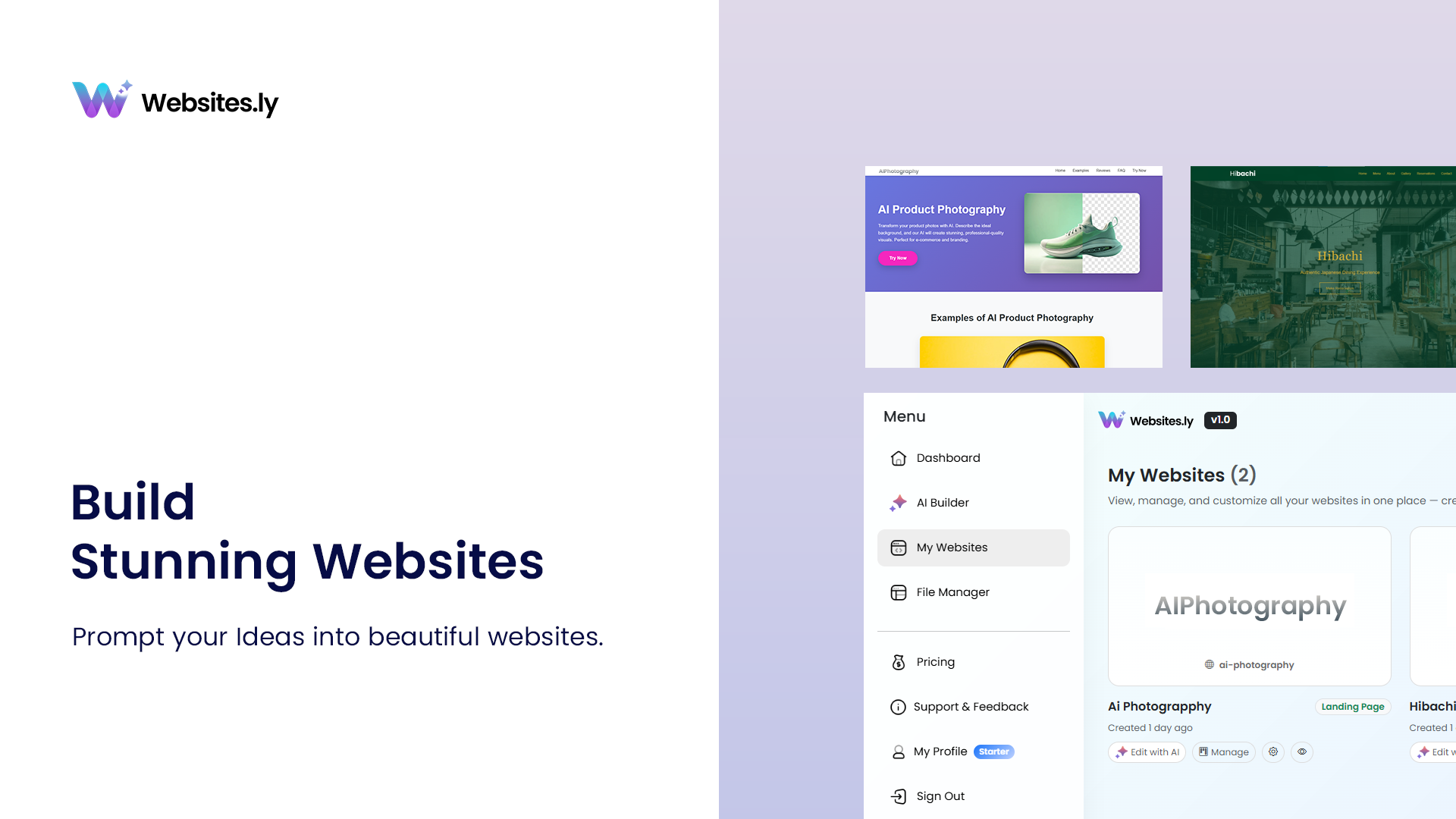
Websites.ly provides a dedicated Blogs area where you can manage the content published across your websites.
From the Blogs screen, you can select the website you're working on and manage your articles from one place.
- Select Website - Choose which Websites.ly website you want to manage.
- All - View your complete collection of blog posts.
- Drafts - Find articles that are still being prepared and haven't been published.
- Published - View articles that are currently live on your website.
Each blog entry provides a quick overview of its current status, website, and publication date, making it easier to keep your content library organized.
Creating a Great Blog Post
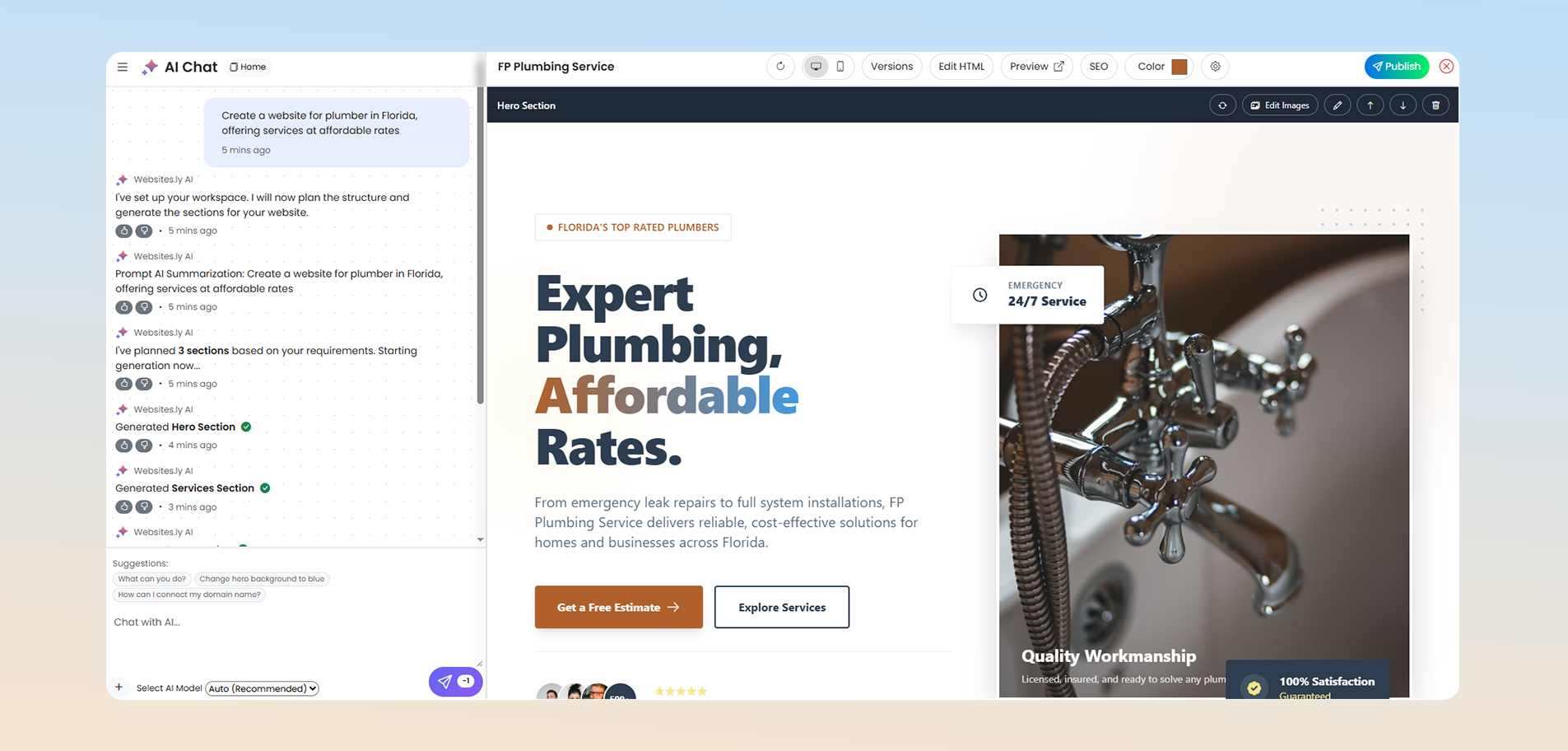
Start by prompting create a blog section in edit website AI Chat
Before writing, decide exactly what your article is going to help the reader accomplish. A focused topic usually produces a more useful article than trying to cover several unrelated subjects at once.
For example, instead of writing a general article about "Marketing," consider a more specific topic such as "How to Create a Simple Content Calendar for Your Business."
Write a Useful Introduction
The beginning of your article should quickly tell readers what they will learn. Avoid spending too much time on generic introductions.
A strong introduction explains the problem, introduces the topic, and gives the reader a reason to continue.
Use Headings to Organize Content
Break longer articles into logical sections using headings such as <h2> and <h3>. This makes your content easier to scan and helps readers quickly find the information they need.
A simple structure might look like:
- H1: Main article title
- H2: Major sections
- H3: Supporting sections
Keep the hierarchy logical rather than choosing headings based only on how large they look.
Use the Blog Editor Effectively
When you open a blog in Websites.ly, the Edit Blog Content screen gives you a focused workspace for creating and updating your article.
Use the editor to structure your article with paragraphs, headings, lists, links, images, and other formatting that makes the content easier to read.
Keep Paragraphs Short
Large blocks of text can be difficult to read, especially on mobile devices. Aim for short paragraphs and use lists when they make information easier to scan.
Highlight Important Ideas
Use bold text selectively for important terms or ideas. Don't bold entire paragraphs or over-format your content.
Use Lists for Steps and Takeaways
Whenever you're explaining multiple steps, features, benefits, or recommendations, consider using an ordered or unordered list.
Create Strong Blog Titles
Your title is one of the first things a visitor sees, so make it specific and useful.
Good titles clearly communicate the subject of the article without being unnecessarily complicated.
- Weak: "Some Things About SEO"
- Better: "SEO Basics: How to Improve Your Website's Search Visibility"
- Weak: "Business Reporting"
- Better: "Real-Time Reporting: Turning KPIs Into Better Business Decisions"
A good title should accurately represent the article rather than promising something the content doesn't deliver.
Choose a Good Featured Image
Websites.ly allows you to add a Featured Image to your blog post. This image can help your article stand out in blog listings and create a stronger visual identity for your content.
When selecting an image:
- Choose an image that is genuinely relevant to the article.
- Use a high-quality image that works well across different screen sizes.
- Avoid overly generic images when a more relevant visual is available.
- Make sure you have the appropriate rights or permission to use the image.
- Keep image file sizes reasonable so pages load efficiently.
Don't Forget Alt Text
When adding images, provide meaningful Alt Text. Alt text helps describe an image for people who use screen readers and can also provide useful context about the image.
For example:
Classic typewriter with "to blog or not to blog" typed on paper.
Avoid stuffing keywords into alt text. Describe what the image actually represents.
Write a Useful Blog Summary
Websites.ly supports content metadata such as a short content description. Use this space to summarize the article clearly and explain its value to the reader.
A good summary should answer a simple question: What will someone get from reading this article?
For example:
A practical guide to building reporting that updates instantly, highlights trends early, and supports faster executive decisions.
Keep summaries concise, specific, and consistent with the actual article.
Manage Your Blog Metadata
The Metadata section in Websites.ly gives you control over important article information and schema-related settings.
Depending on your setup, your blog content can include structured attributes such as:
- Title - The name of the article.
- Type - Identifies the content as a blog.
- Slug - The URL-friendly identifier used for the article.
- Status - Indicates whether the article is published or still a draft.
- Content - A concise description of the article.
- Featured image - The primary visual associated with the article.
- Alt text - A description of the featured image.
- Additional attributes - Custom key-value content that can support your website's content structure.
Keep Your Slugs Clean
A blog slug should be readable and closely related to the article title.
For example:
/real-time-reporting-turning-kpis-into-decisions
Avoid unnecessary words, confusing characters, or overly long URLs whenever possible.
Draft Before You Publish
Don't feel pressured to publish an article immediately. Use the Draft status while you're still writing, editing, or reviewing your content.
Before publishing, check the article from the perspective of a reader.
- Is the title clear?
- Does the introduction explain the purpose of the article?
- Are the headings organized logically?
- Are there spelling or grammar mistakes?
- Do links work correctly?
- Are images relevant and properly described?
- Does the article provide useful information?
- Does the content look good on mobile?
- Is the slug clean and readable?
- Is the metadata accurate?
Publishing Your Blog
When your article is ready, use the Publish action in the blog editor to make it available on your website.
Once published, the article will appear with a Published status and can be viewed as part of your website's blog content.
Always review the live article after publishing. This gives you an opportunity to catch formatting, spacing, image, or link issues that may not have been obvious while editing.
Best Practices for SEO-Friendly Blog Content
SEO isn't about writing for search engines instead of people. The strongest foundation is useful, original content that clearly answers the reader's question.
Focus on One Main Topic
Build each article around a clear subject and use related concepts naturally throughout the content.
Use Descriptive Headings
Headings should tell readers what each section contains. This makes long articles easier to navigate and understand.
Link to Relevant Content
Where appropriate, link your blog articles to relevant pages and other useful articles on your website. Internal links can help visitors discover more content and understand how your pages relate to each other.
Write for Humans First
Avoid keyword stuffing, repetitive language, or unnatural sentences created solely to include search terms. Your article should be useful and readable first.
Keep Your Blog Organized
As your website grows, your blog library can quickly become large. A consistent content management process makes it easier to maintain quality.
A simple workflow is:
- Plan - Choose the topic and purpose of the article.
- Write - Create the main content in the blog editor.
- Format - Add headings, lists, links, and images.
- Optimize - Review the title, slug, summary, image, and metadata.
- Review - Check the complete article before publishing.
- Publish - Change the article to Published when it is ready.
- Monitor - Review how your content performs and improve older articles when needed.
Use Real-Time Reporting to Improve Your Content
Publishing content is only the beginning. If your website provides reporting and analytics, use the available insights to understand which topics attract attention and which articles may need improvement.
Instead of creating dashboards that simply display numbers, focus on turning important metrics into decisions and actions.
- Identify which articles receive the most engagement.
- Look for topics that consistently attract visitors.
- Review older posts that may benefit from updated information.
- Compare content performance over time.
- Use insights to guide future article topics.
Try this: Start with a small set of meaningful KPIs, define what changes require action, and review your content performance regularly.
Common Blog Management Mistakes to Avoid
- Publishing without proofreading - Small errors can reduce the quality and credibility of an otherwise useful article.
- Using vague titles - Readers should understand the topic before opening the article.
- Ignoring mobile readability - Always consider how your article looks on smaller screens.
- Using unrelated images - Visuals should support the subject of the article.
- Forgetting alt text - Add useful descriptions to important images.
- Ignoring metadata - Keep titles, slugs, descriptions, and other content attributes accurate.
- Writing only for keywords - Prioritize useful information and natural language.
- Never updating old content - Review important articles periodically and update them when information changes.
A Simple Blog Publishing Checklist
Before clicking Publish, use this quick checklist:
- The title clearly describes the article
- The introduction explains what readers will learn
- Headings are structured logically
- Paragraphs are easy to scan
- Spelling and grammar have been checked
- Links have been tested
- A relevant featured image has been added
- Image alt text has been added
- The summary accurately describes the article
- The slug is clean and readable
- Metadata has been reviewed
- The article looks good on mobile
- The content provides genuine value to the reader
Ready to Start Publishing?
A successful blog doesn't require publishing dozens of articles at once. Start with useful, focused content and build a consistent publishing process over time.
With Websites.ly, you can create drafts, edit your content, manage featured images and metadata, publish articles, and keep your growing content library organized from one place.
Head to your Blogs page to create or manage your next article.
Build useful content. Keep it organized. Publish with confidence.